Driving an Oculus Rift S from an ASUS VivoBook S15 Ultrabook with an eGPU (RTX 3060 Ti)
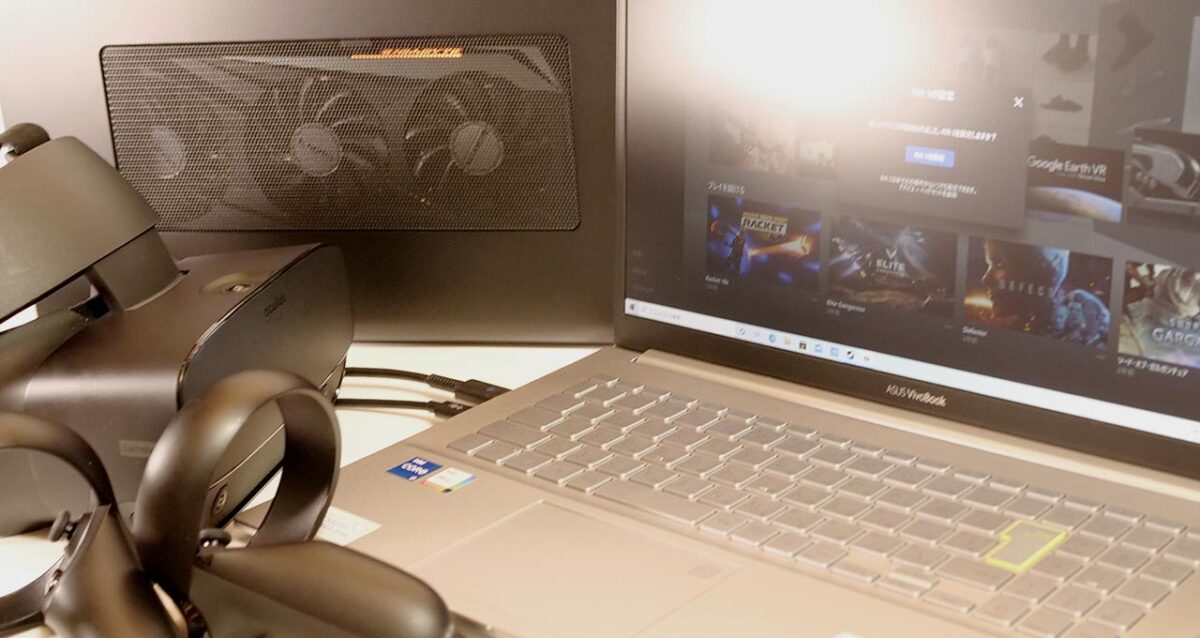
ASUS lent me an ASUS VivoBook S15 — a compact laptop built around the concept of “Move forward, your way." Can a thin ultrabook like this actually drive a full PCVR headset?
This configuration runs an 11th-gen Intel Core CPU and comes with a Thunderbolt 4 port. I’m connecting an eGPU enclosure over that Thunderbolt 4 port and testing how well it can drive an Oculus Rift S.
The Test Setup: ASUS VivoBook S15 S533EA (S533EA-BQ032TS)
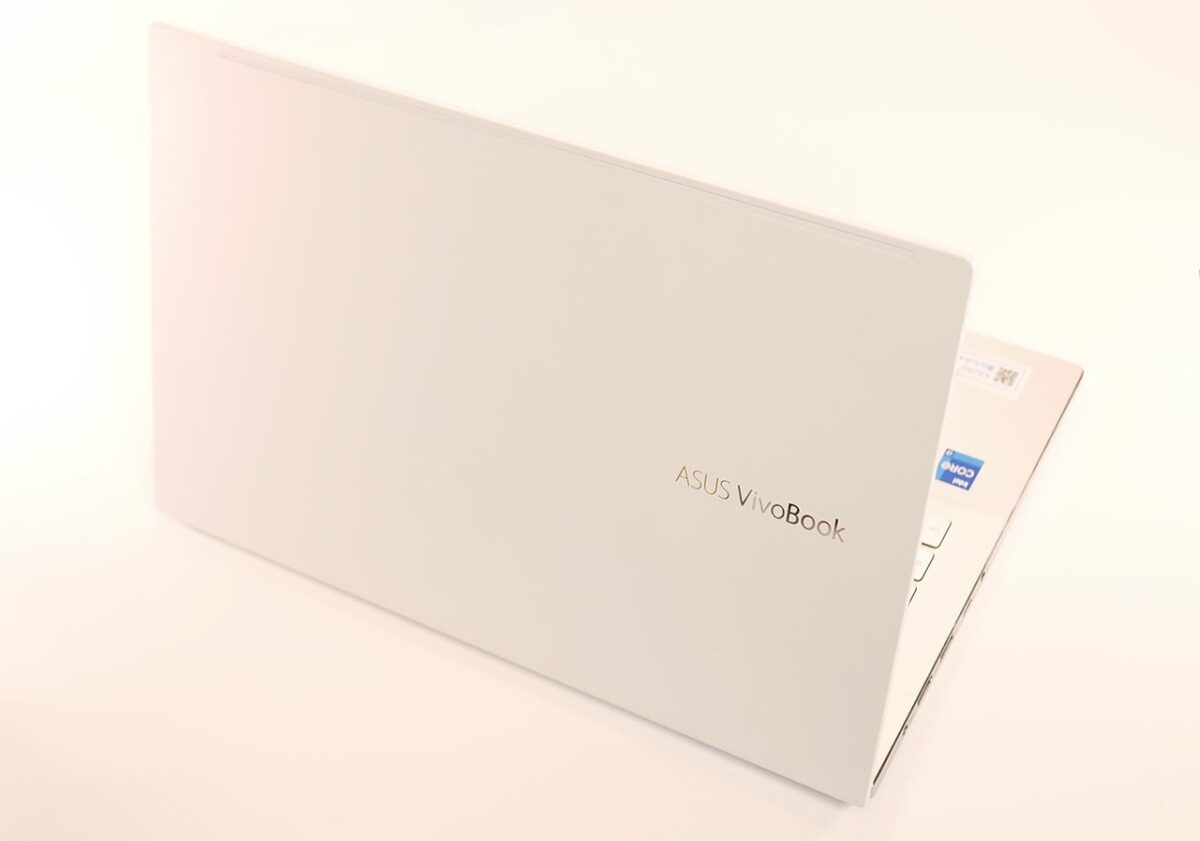
Here’s the spec sheet for the unit I borrowed. This is the configuration I’m testing throughout this article.
| Model | ASUS VivoBook S15 S533EA S533EA-BQ032TS |
|---|---|
| CPU | Core i7-1165G7 4 cores / 8 threads, 2.8GHz (Turbo Boost 4.7GHz) |
| GPU | Integrated GPU (Iris Xe Graphics) |
| Memory | 16GB |
| SSD | 1024GB |
| HDD | None |
| Power adapter | 65W |
| OS | Windows 10 Home 64-bit |
What I Used: Razer Core X
| Item | Razer Core X |
|---|---|
| Manufacturer | Razer |
| Size (H x W x D) (mm) | 230x168x374 |
| Internal dimensions (mm) | 160x57x330 |
| Built-in power supply | 650W |
This eGPU enclosure has a fairly beefy 650W built-in power supply. I’m testing it here with an RTX 3060 Ti installed.
The Razer Core X doesn’t come with a Thunderbolt cable, so I used a separate cable I already had on hand for this test.
GIGABYTE GV-N306TGAMING OC-8GD
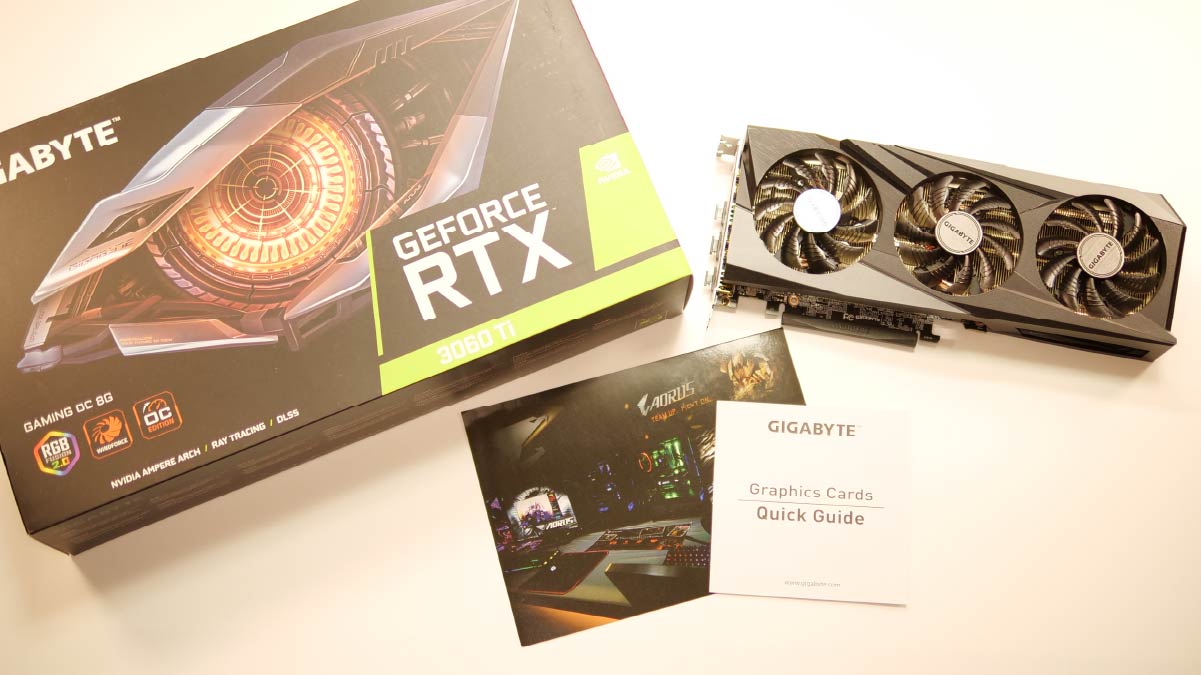
This is a GIGABYTE-made RTX 3060 Ti — one of the more modest, lower-mid-tier models in GIGABYTE’s lineup.
Getting the Oculus Rift S Running
Now let’s connect the Oculus Rift S and see how much performance this setup delivers. As a benchmark, I’ll use the frame rate the PC is able to render.
I’ll change the graphics setting in the Oculus app and record the frame rate for both the “Prioritize Performance" and “Prioritize Quality" options.
Connecting the Oculus Rift S: The Cabling
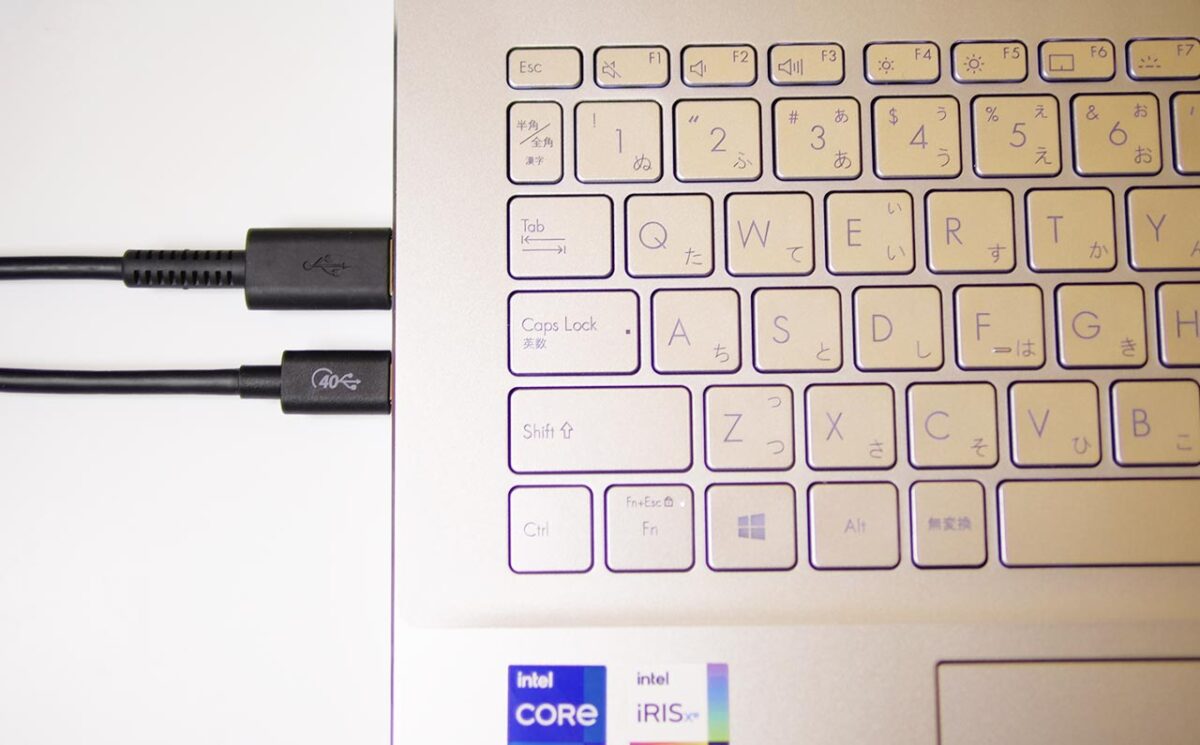
The ASUS VivoBook S15 has a single Thunderbolt 4 port on its left side.
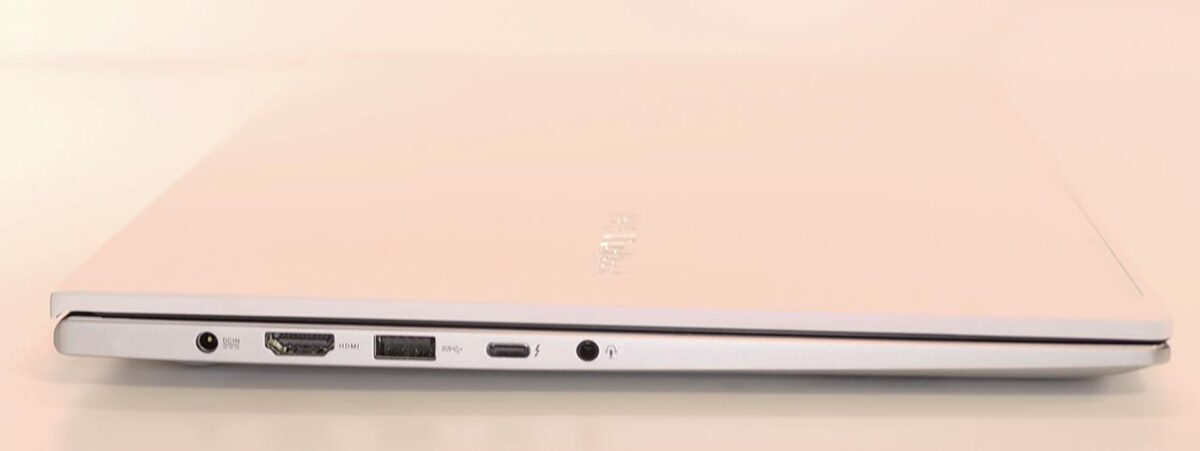
This is where I connect the eGPU enclosure.
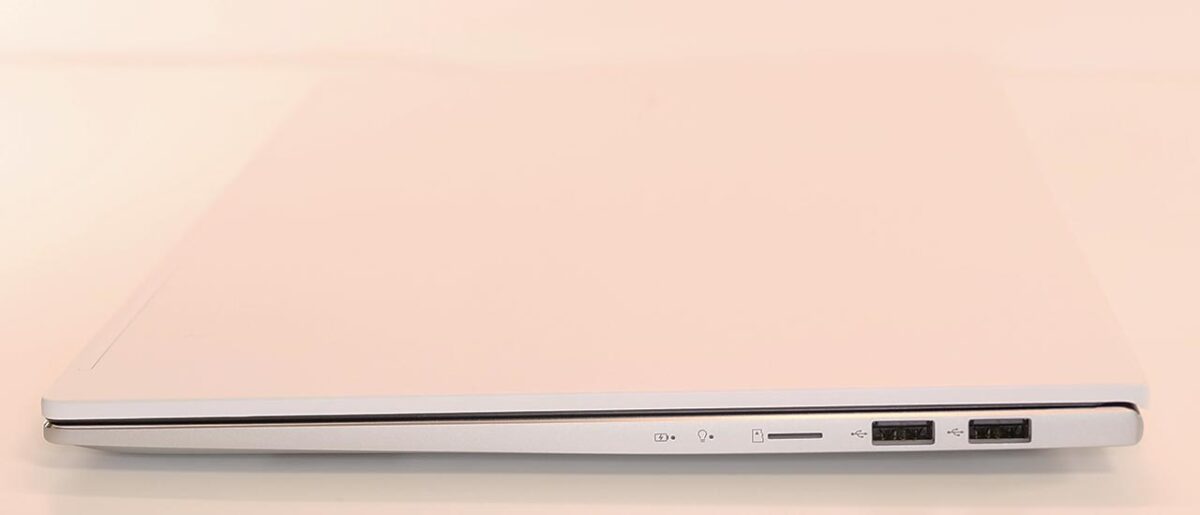
The Oculus Rift S’s DisplayPort cable connects to the graphics card inside the eGPU enclosure, while its USB Type-A cable plugs into a USB port on the left side of the ASUS VivoBook S15. The port on the right side is USB 2.0, and the Oculus Rift S won’t work if you plug it in there.
As an Amazon Associate we earn from qualifying purchases.
Frame Rate in Beat Saber

As a classic example of a lightweight VR app, I’m testing Beat Saber.
The frame rate comes in above 300fps — there’s plenty of headroom to spare.
Frame Rate in Half-Life: Alyx

As an app with much richer visuals, I’m running Half-Life: Alyx.
Low Quality Setting
Even with the graphics setting on “Prioritize Quality," it runs without any issues. I don’t notice any stuttering either.
Maximum Quality Setting
The pattern holds at the maximum quality setting too. No dropped frames, and textures never lag behind. It’s comfortable to play.
Frame Rate in SteamVR Home
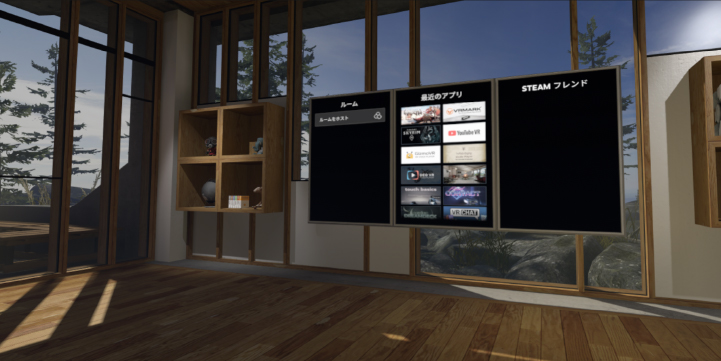
This is the home screen you land on when you launch SteamVR. Since you’ll see it every time you start SteamVR, if it doesn’t run comfortably here, that friction adds up fast.
The frame rate holds above 100fps here — comfortable.
Frame Rate in Asgard’s Wrath

This is the big-budget RPG announced alongside Oculus Link itself — a classic example of a heavy VR app.
Asgard’s Wrath’s recommended CPU is an Intel Core i7-7700 or better. Here’s how the CPU benchmark app Cinebench R20 compares:
Asgard's Wrath Recommended CPU Performance vs. VivoBook S15
The ASUS VivoBook S15’s CPU doesn’t reach Asgard’s Wrath’s recommended performance level. With that in mind, let’s check the frame rate.
Quality Setting: “Easy"
It plays without any dropped frames — plenty playable.
Quality Setting: “High"
Asgard's Wrath High — Oculus Rift S x VivoBook S15 + RTX3060Ti
The frame rate itself isn’t a problem, but whenever the CPU gets interrupted by other work, it can stutter and break the sense of immersion.
You’re better off sticking with the “Easy" quality setting in the app.
Frame Rate Results by Graphics Setting
Here’s how the results break down by Oculus graphics setting.
The Oculus Rift S sits in the lightweight-to-drive category of headsets.
You can see a real, visible difference in image quality between “Prioritize Performance" and “Prioritize Quality."
If “Prioritize Performance" doesn’t drop frames, that’s already enough to enjoy VR comfortably — but if you can, running on “Prioritize Quality" is the better choice.
Prioritize Performance (3008 x 1616)
I set the PC-side Oculus app’s graphics setting to “Prioritize Performance" (resolution: 3008 x 1616) and measured the frame rate for each app. At this setting, the picture looks a touch soft, a bit like watching a slightly compressed video, but performance stays rock solid.
Oculus Rift S (Prioritize Performance) x VivoBook S15 + RTX3060Ti
Nothing hard-freezes at this setting. Aside from occasional stuttering in Asgard’s Wrath at its “High" quality setting, VR runs comfortably across the board.
Prioritize Quality (3296 x 1776)
Next, I checked the frame rate with the PC-side Oculus app’s graphics setting on “Prioritize Quality" (resolution: 3296 x 1776). At this setting, the extra detail makes for a noticeably more immersive picture.
Oculus Rift S (Prioritize Quality) x VivoBook S15 + RTX3060Ti
The trend is the same as under “Prioritize Performance." Aside from Asgard’s Wrath, which is demanding enough to strain this CPU, everything renders comfortably and plays smoothly.
Even in Asgard’s Wrath, dropping the in-app quality setting to “Easy" removes any sense of a rendering problem.
What I Could Not Verify
This is a single review unit lent by ASUS, so I can’t say how much these numbers would vary between individual units. I only tested with the specific Thunderbolt cable, Razer Core X enclosure, and GIGABYTE RTX 3060 Ti listed above — a different cable, eGPU enclosure, or card model could shift the numbers. I also stuck to four apps here; a heavier or more CPU-bound title than Asgard’s Wrath could behave differently.
In Summary: Yes, With the CPU as the Ceiling
Can the ASUS VivoBook S15 + RTX 3060 Ti drive the Oculus Rift S?
Yes — the ASUS VivoBook S15 paired with an RTX 3060 Ti handles the Oculus Rift S with room to spare.
That said, the CPU can become the bottleneck at times.
The Oculus Rift S sits in the lightweight-to-drive category of headsets. Even running the higher-detail “Prioritize Quality" setting doesn’t load the PC all that heavily.
The ASUS VivoBook S15 is a mobile ultrabook built around an 11th-gen CPU. CPU performance in mobile ultrabooks keeps climbing generation over generation, and once you fix the graphics bottleneck by adding an RTX 3060 Ti, it turns out VR is enjoyable to this degree.
The CPU doesn’t have much headroom to spare, so if you’re running a heavy app, you’ll get the most out of VR by making sure nothing else is competing for CPU time in the background.

 https://kimono-oyaji.com/en/asus-vivobook-s15-rtx3060ti-en/