Where Local AI Really Shines: Privacy, Offline, and Big Batch Jobs
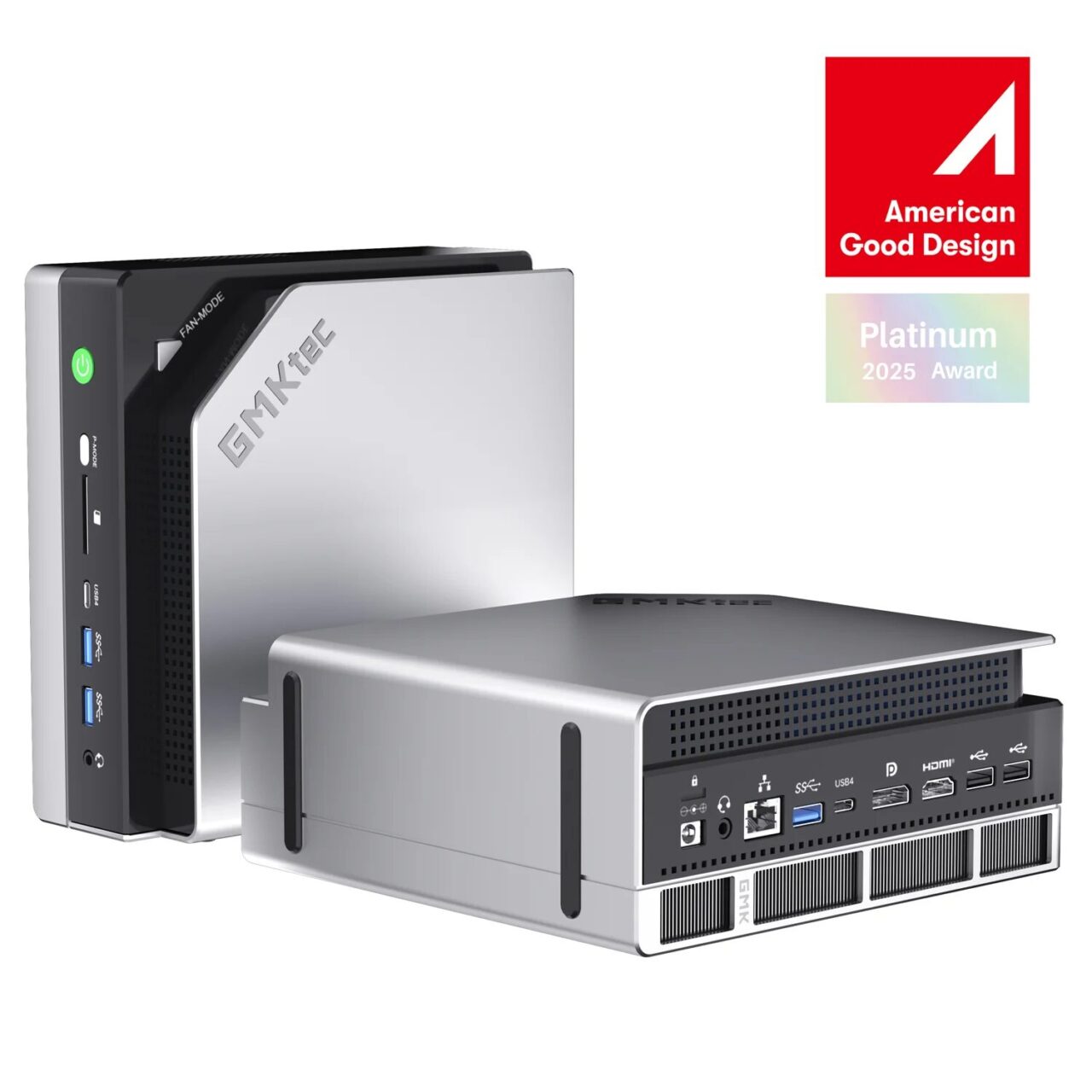
Image: GMKtec (official) — EVO-X2
Up to this point, I’ve been making the case that local AI falls a step short of the latest cloud models. So if it loses on smarts, what’s the point of going to the trouble of running it on your own machine? On an axis separate from speed or intelligence, there are clear situations where it has to be local, where being local is exactly what makes it work. I worked through the feel of it hands-on and organized what I found.(hands-on testing and notes as of June 2026)
First thing I checked: the data I entered never left the machine
The single biggest value of local AI is that your data never leaves your hands. To see whether that was really true, I ran inference (the process where the AI computes and produces an answer from your input) while monitoring for any communication going out. The result: zero outbound connections from the AI’s inference process. The model ran entirely within the memory on my own machine, and neither the text I typed in nor the answers it generated were sent outside the box at all. In principle, it keeps working even if you unplug the LAN cable.
The worry that “what I typed might get sent to some server, stored, or used for training" simply cannot arise by design. That’s a physical kind of reassurance, on a different level from a promise made in the terms of service.
The classic situations where local is the only choice
This “never leaves the machine" quality becomes decisive in cases like these.
- Personal information and confidential material. Customer lists, medical records, contracts, internal-only code. A cloud API (the connection point through which an app hands processing off to an outside service) is technically hard to guarantee “won’t send anything." With local, it never goes out in the first place.
- Confidentiality obligations and compliance. Work where providing data externally is regulated, such as medicine, law, accounting, or government. In some cases, staying entirely on your own machine is a hard requirement.
- Offline or unstable connections. On the road, on-site, on a closed network. It works even without internet.
- When you don’t want to be at a service’s mercy. No being jerked around by price hikes, spec changes, or shutdowns of an API. Once you have it on your own machine, the same model keeps running.
Uses in coding where the “effective performance" goes up
Even when the raw intelligence doesn’t improve, there are local-specific ways of working that move development along. The key is that you don’t have to worry about how many times you call it.
- High-frequency completion becomes snappy. Short, frequent calls like input completion or generating commit messages feel more responsive because there’s no round trip over the network. My impression was that the time until the first character appears is short.
- You can run large batch jobs (processing many tasks all at once in one go) without hesitation. Since there’s no metered billing, “run it against everything" work such as adding docstrings to every function in your whole codebase, or scaffolding test stubs for every file, can run overnight for nothing but time and electricity. That’s a way of working that’s hard to make practical in the cloud because of cost or rate limits.
- You can tune it to your own code. You can train it on, or point it at, your in-house libraries and naming conventions locally. In that narrow domain, it can be more on-target than a big general-purpose cloud model. And all without your code ever leaving the machine.
Even if it yields to the frontier on smarts per single call, it wins the ground back through its strengths in volume, immediacy, and secrecy. This turned out to be the practical place where local AI earns its keep.
Conclusion: choosing for smarts and choosing local are two different situations
Laid out plainly, it comes to this. For a one-off hard problem where you want the best possible answer in a single shot, go straight to the latest cloud. For data you can’t send out, always-on processing you can’t halt, and large batches you want to run without watching the cost, go local. Using the two for what each is good at is the least strained approach. Rather than thinking of the machine on your desk as “a tool to beat the cloud on smarts," it helps to see it as “a tool that takes on the jobs you can’t hand to the cloud" — and its value comes into focus. What emerged across this whole round of testing is that a single mini PC with a lot of memory fits that role just right.
▼ The EVO-X2 used in this testing (check price on Amazon / Rakuten)
As an Amazon Associate we earn from qualifying purchases.