Lenovo Legion Y740 (15) Review: A High-End 15-Inch Gaming Laptop, Tested in VR
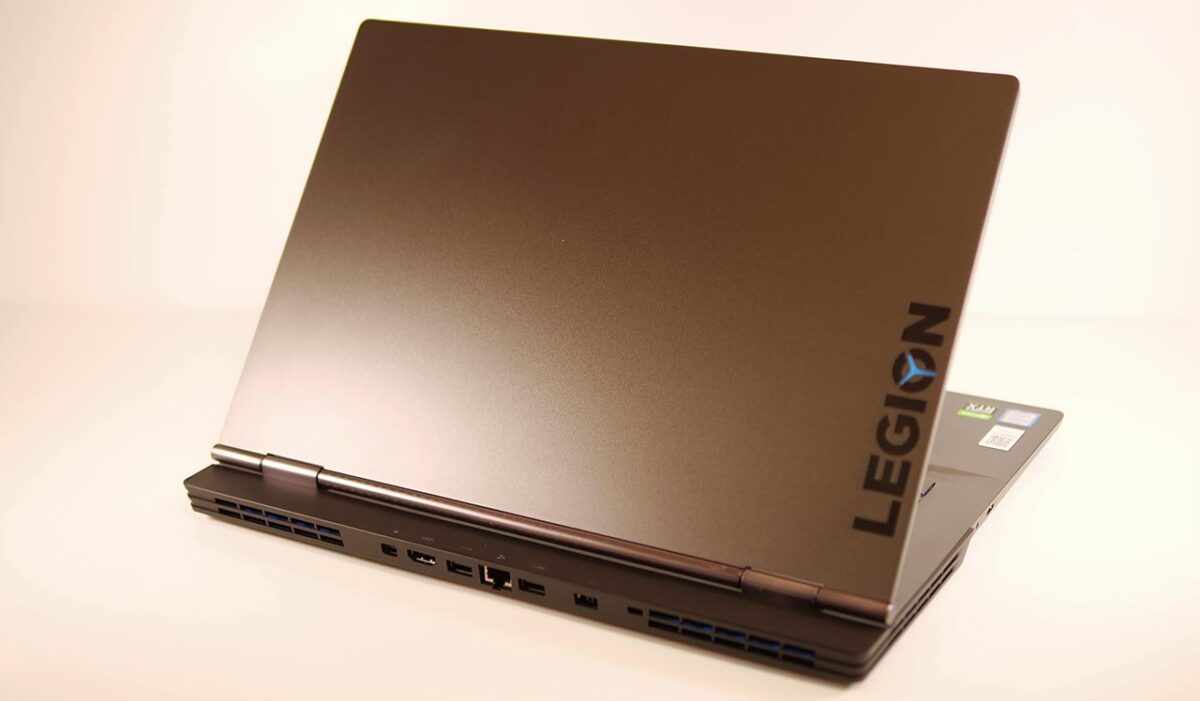
Lenovo lent me a high-performance laptop from its gaming lineup, the “Legion Y740 (15)."
It carries a GeForce RTX 2080 Max-Q — a high-end GPU, even if it’s one generation behind now. How much VR can a laptop like this actually handle?
- 1. Lenovo Legion Y740 (15)
- 2. The Test Setup: Lenovo Legion Y740 (15)
- 3. Design and Build
- 4. Weight and Portability
- 5. VR Performance Test Results
- 6. Overall PC Performance
- 7. Standard Benchmark Results
- 8. Power Draw and Noise
- 9. Trying Various Headsets
- 10. What I Could Not Verify
- 11. In Summary: A High-Value 15-Inch VR Laptop, One Generation Behind
Lenovo Legion Y740 (15)
The Legion Y740 is a gaming laptop built around a 9th-gen Intel Core CPU. It’s a previous-generation model by now, but that also means the cost performance has come up — arguably making it a good target to watch.
| Legion Y740(15) | 81UH0032JE |
| CPU | Core i7-9750H 6 cores / 12 threads 2.4GHz (Turbo Boost 4.5GHz) |
| GPU | GeForce RTX 2080 with Max-Q |
| Memory | 32GB |
| Chipset | HM370 |
| SSD | 1TB |
| HDD | 1TB |
| Display | 15.6″ IPS LCD 1920×1080 (Full HD), Dolby Vision, NVIDIA G-Sync, matte finish |
| Interfaces | mini DisplayPort x1 HDMI x1 USB3.0 (Type-A) x2 USB3.1 (Type-C, Thunderbolt 3) x1 Mic/headphone combo jack x1 Wired LAN |
| Networking | Wi-Fi: Wi-Fi 5 (802.11 a/b/g/n/ac) Bluetooth: Bluetooth 5.0 |
| Webcam | 720p HD camera |
| Battery life | Roughly 3.0 hours |
| OS | Windows 10 Home 64-bit (English version) |
| Keyboard | Full-size (backlit), English layout |
| Dimensions (W×D×H) | 1.9L (361 x 265 x 19.95mm) |
| Power adapter | 230W |
| Weight | ~2.2kg |
| Price (tax included) | ¥221,654 |
*Prices and configurations reflect the time of writing and change frequently. Please check the official site for current details.
As of this writing (February 24, 2021), Lenovo’s own store carries only this one configuration.
The basic design is the same as the Legion Y540 (15).
The Test Setup: Lenovo Legion Y740 (15)
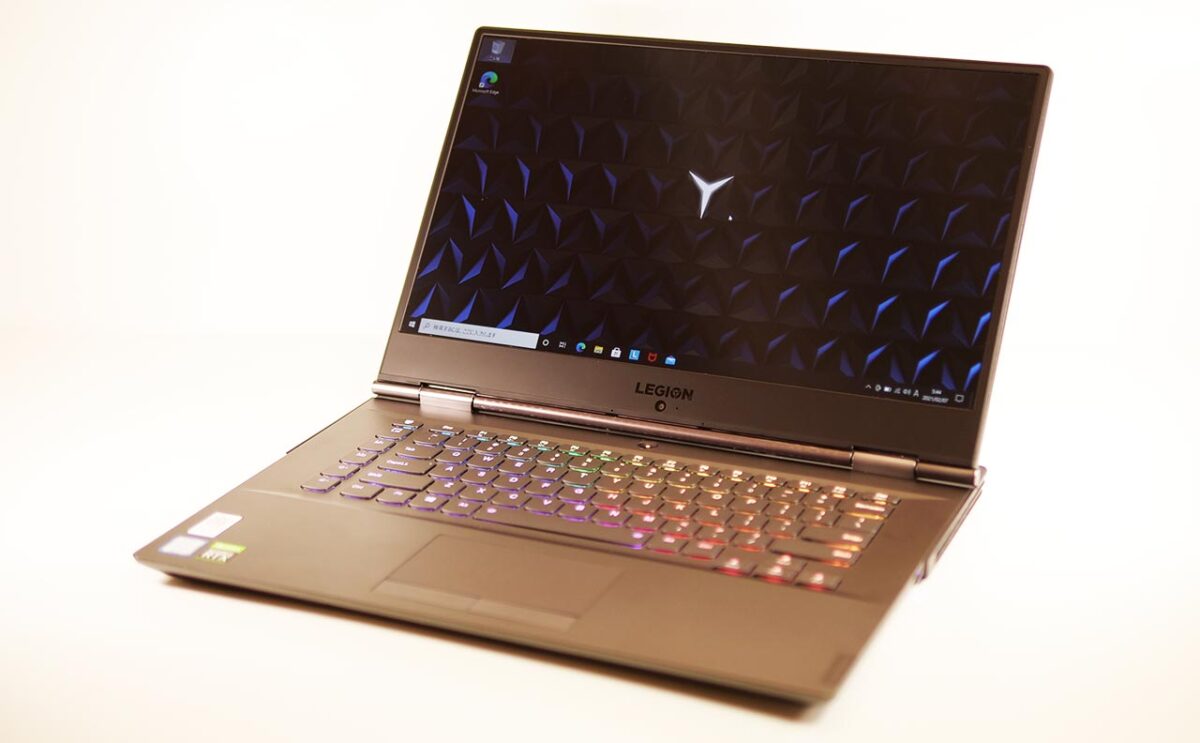
Here is the spec sheet for the unit I borrowed. This is the configuration I test throughout this article.
| Model | Legion Y740(15) 81UH0032JE |
|---|---|
| Display | 15.6″ FHD IPS LCD (1920x1080px) |
| CPU | Intel Core i7-9750H 6 cores / 12 threads, 2.6GHz (Turbo Boost 4.5GHz) |
| GPU | NVIDIA GeForce RTX 2080 Max-Q 8GB GDDR6 |
| Memory | 16GB |
| SSD | 1TB (NVMe/M.2) |
| HDD | 1TB |
| Power adapter | 230W |
| OS | Windows 10 Home 64-bit (English version) |
The RTX 2080 Max-Q in this Legion Y740 (15) is a high-end GPU from one generation back — performance-wise, it lands close to today’s RTX 3060 Ti.
Design and Build
The Lid
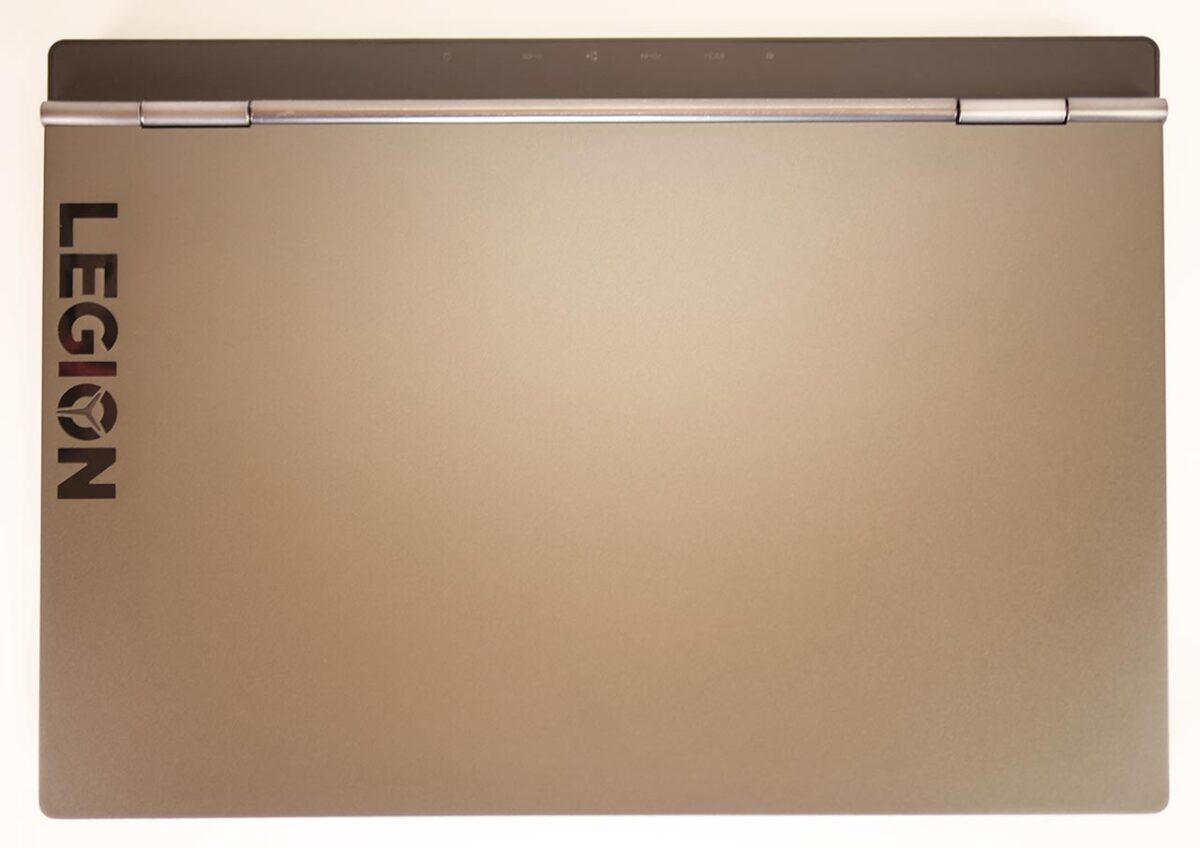
The lid has a brushed hairline finish overall. When the machine is powered on, the “O" in the LEGION logo lights up.
Sides and Interfaces
The ports are concentrated on the back, making for a genuinely convenient layout.
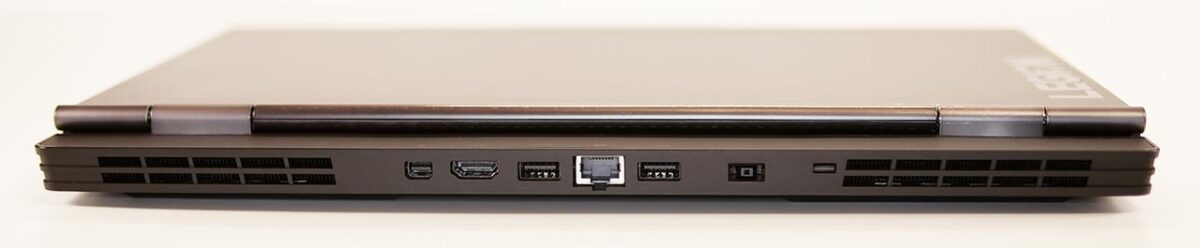
From left to right on the back of the Legion Y740 (15): mini-DisplayPort, HDMI, USB 3.0 (Type-A), wired LAN, USB 3.0 (Type-A), and the power port. The mini-DP and HDMI ports sit quite close together, so if you’re using an adapter cable, watch out for it colliding with the port right next to it.
Large exhaust vents run across the back and along the rear of both sides.
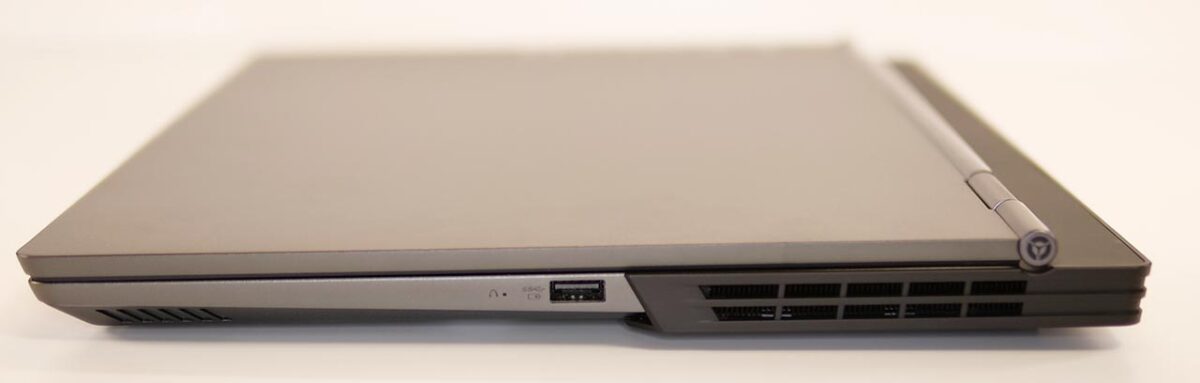
There’s roughly a 2cm overhang behind the display hinge. That gives the laptop excellent stability when you open the lid with one hand, but it also makes the whole chassis a bit larger.
The right side carries a single USB 3.0 (Type-A) port.
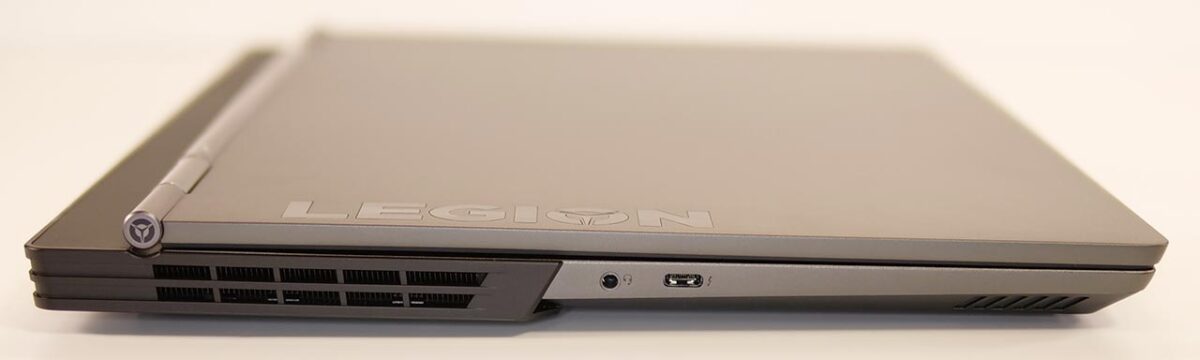
On the left side you get one USB 3.1 (Type-C, Thunderbolt 3) port and a mic/headphone combo jack.
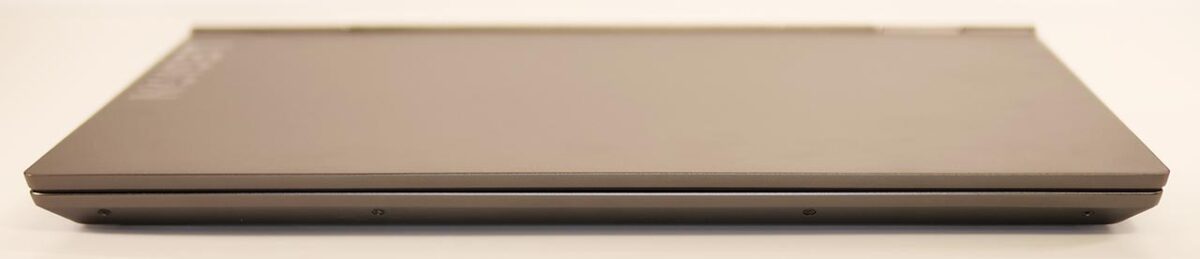
There are no ports on the front.
The Hinge
The hinge on the Legion Y740 (15) sits at the top of the base, so tilting the screen doesn’t shift the keyboard’s position. The display also opens past 180 degrees.

Keyboard and Trackpad
As shown below, this Legion Y740 (15) uses an English-layout keyboard. There’s no number pad.
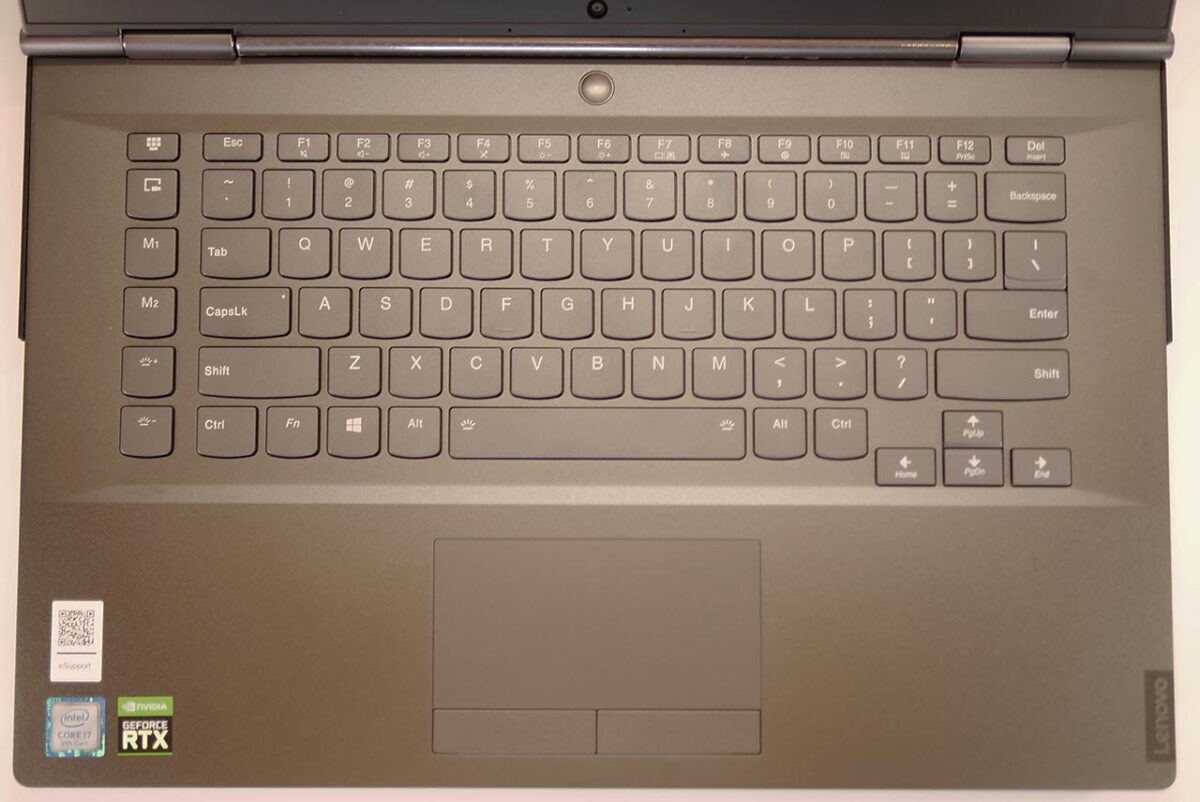
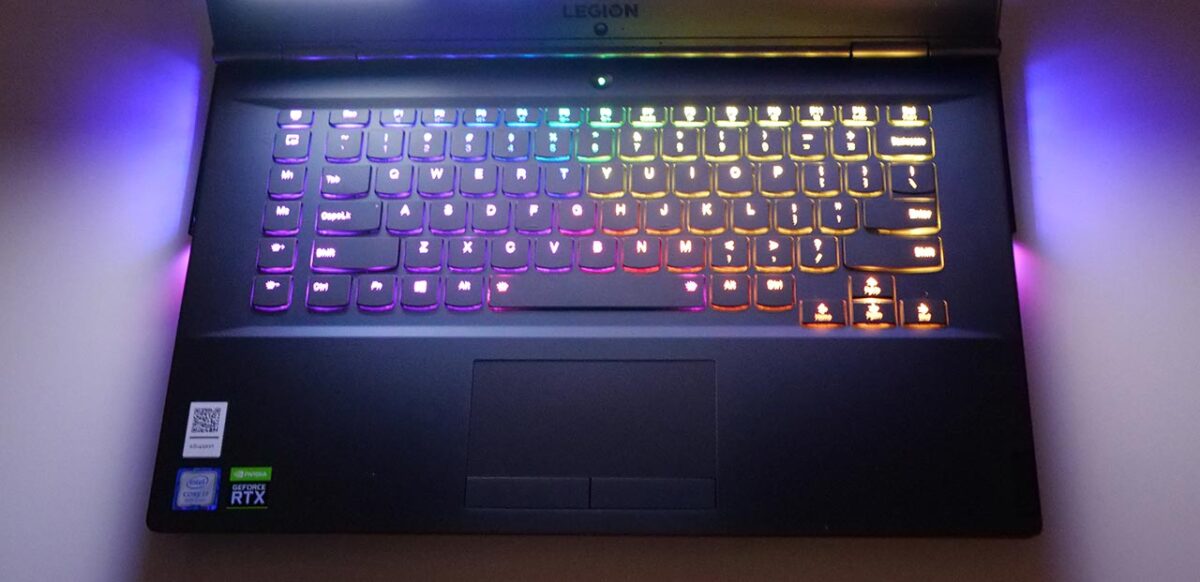
There’s also a Ctrl, Alt, and Shift key on the right-hand side. As I’ll get into below, the lighting settings let the keyboard light up in color.

The typing feel is solid — the keys travel deeper than they look like they would — and the key sound is on the quiet side.
The trackpad is modestly sized and sits where accidental touches are unlikely, but you can also toggle it on and off with Fn+F11 when you don’t need it.
Lighting
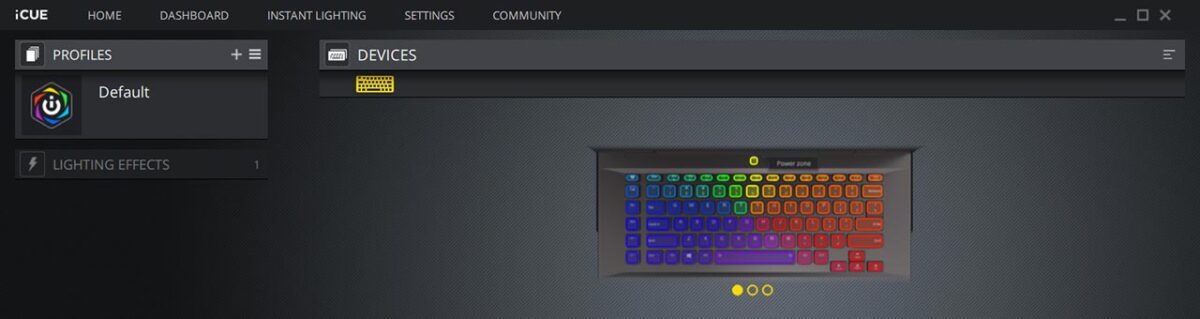
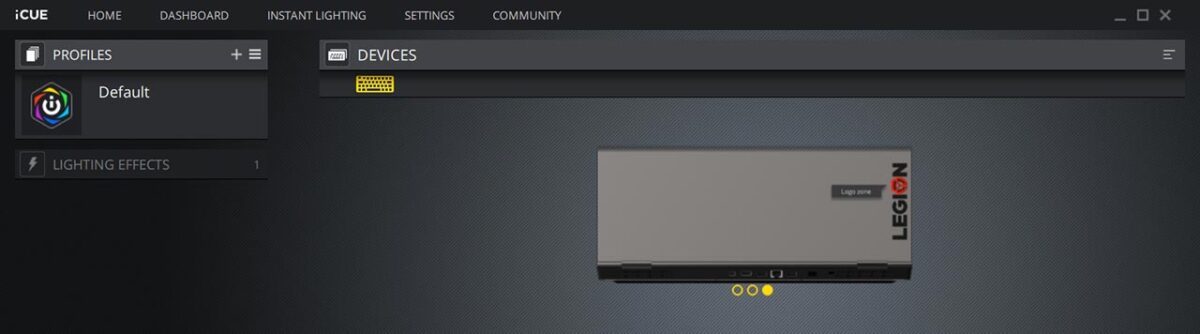
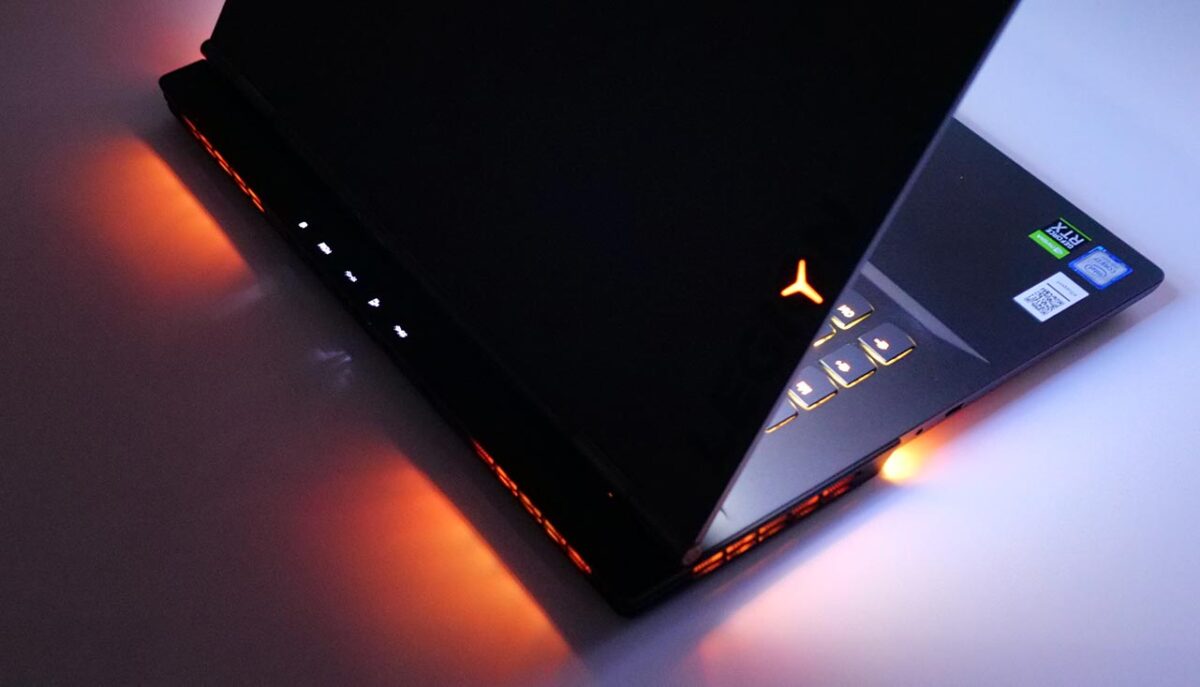
True to its gaming pedigree, the Legion Y740 (15) lets you configure lighting for both the keyboard and the fan exhaust vents.
You configure it through the dedicated “iCUE" app.
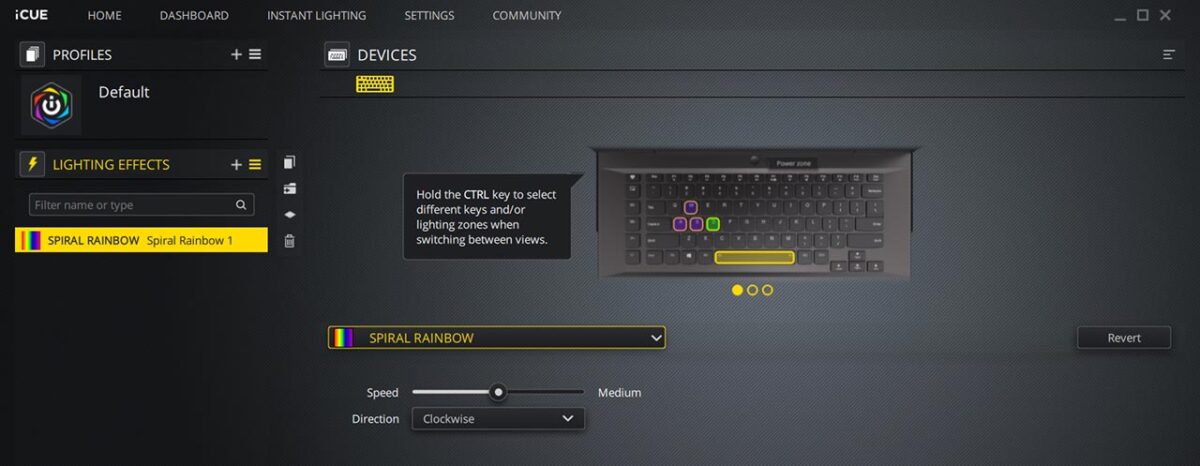
You can also choose to light up only specific keys.
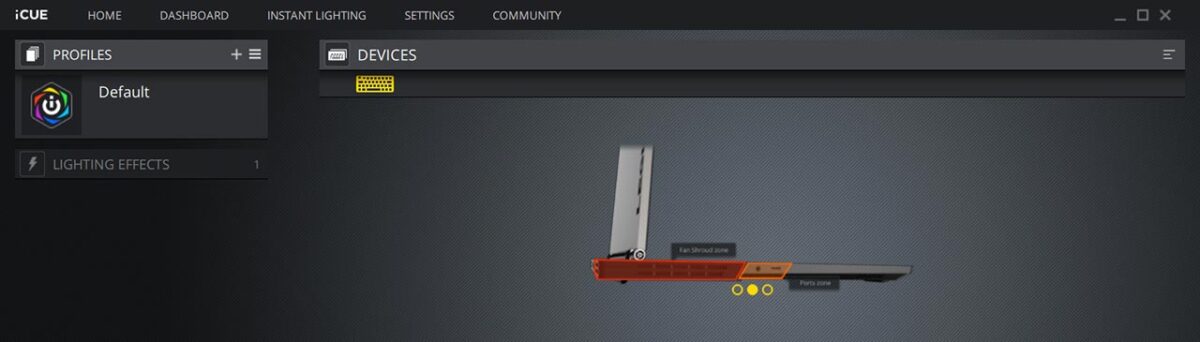
The way the exhaust vents light up is configurable too.
The “LEGION" logo on the lid lights up as well.
Here’s the keyboard with its backlight turned on. Fn+Space toggles the keyboard backlight on and off.
Webcam
The Legion Y740 (15)’s webcam is an HD (720p) unit placed below the display.
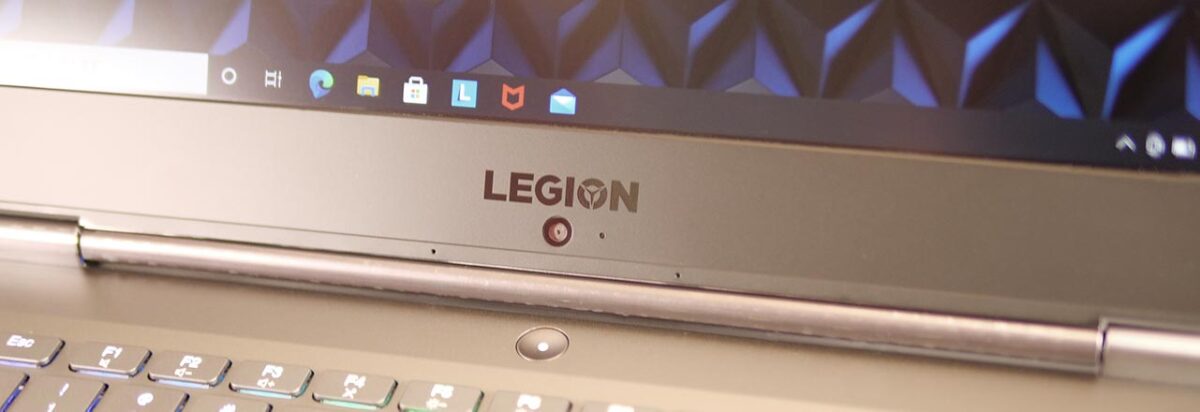
Since it looks up at you from below, using it while typing takes a bit of extra thought about your angle.
Weight and Portability
The Laptop Itself
I weighed the unit.
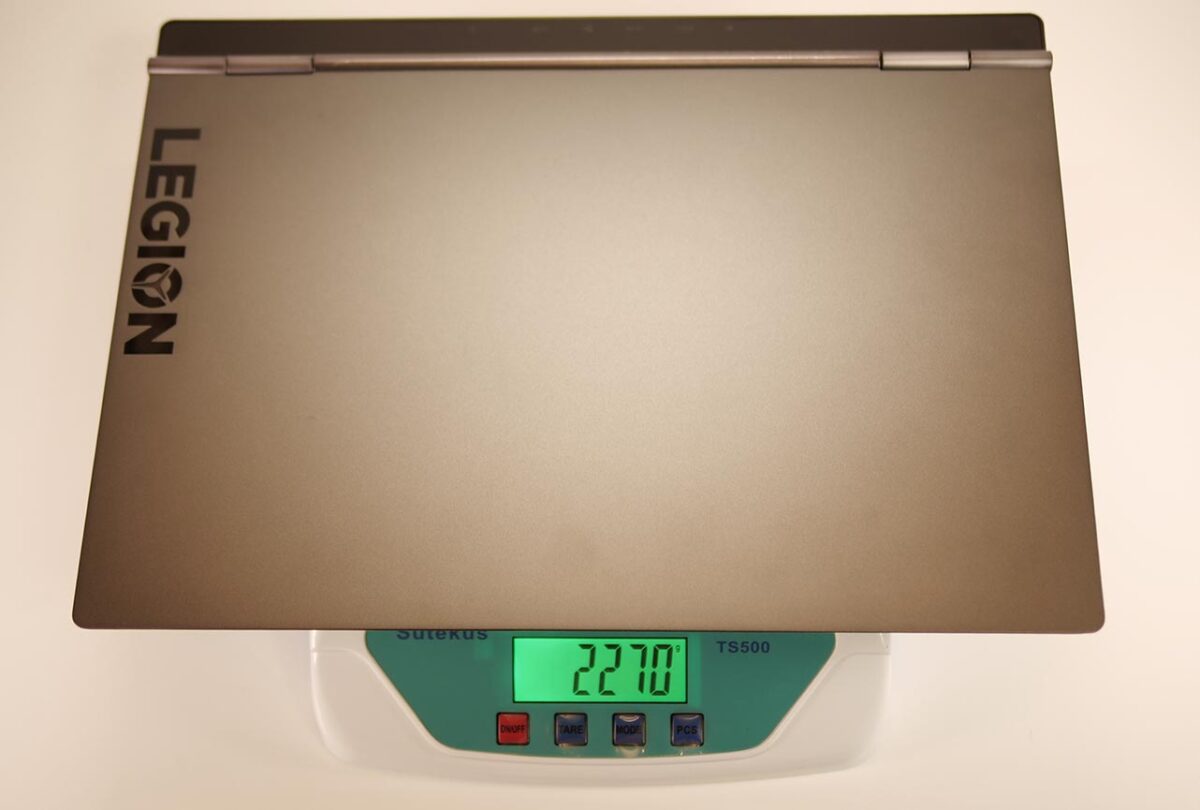
| Item | Weight |
|---|---|
| Nominal | ~2.3kg |
| Measured | 2.27kg |
It came in at roughly 2.2kg — a fairly typical weight for a gaming laptop with this level of hardware.
Power Adapter
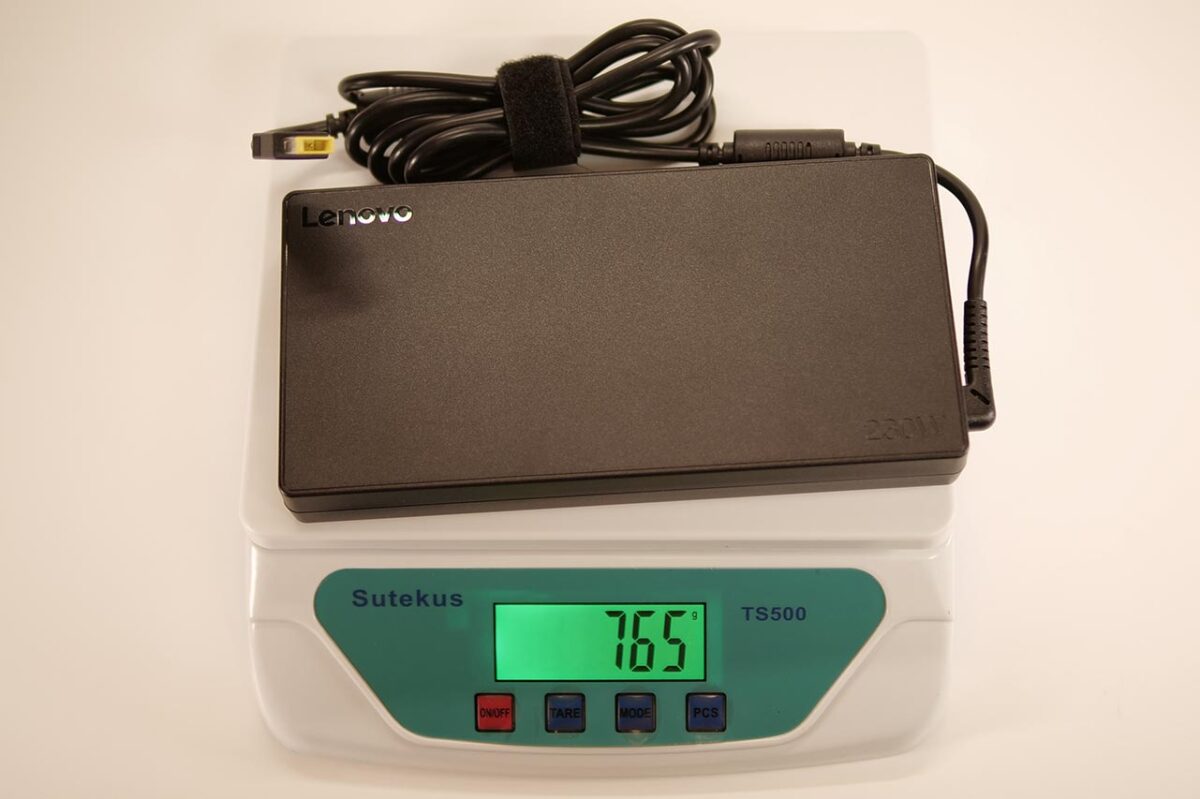
At 230W, the AC adapter is large and heavy — 198 x 98 x 26mm, weighing a hefty 765g.
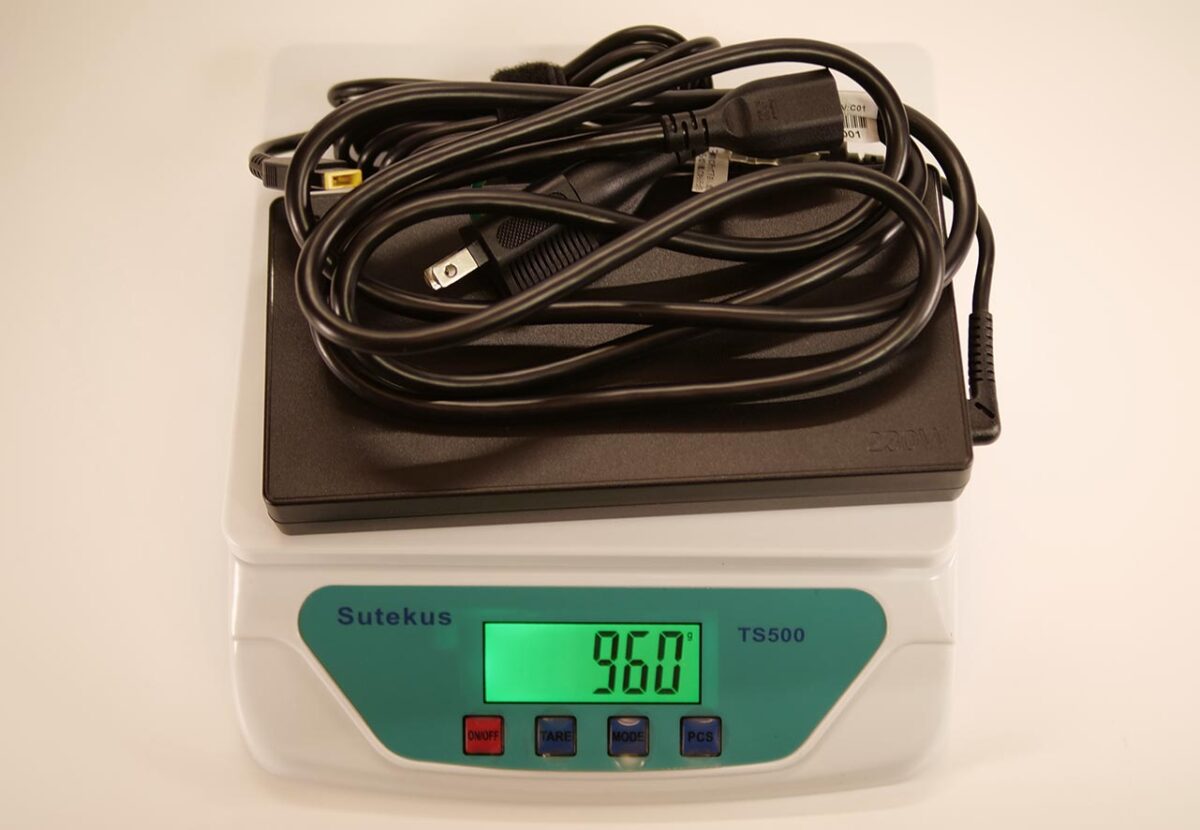
Add the cable and you’re looking at roughly 1kg.
Laptop plus power cable together comes to just over 3kg.
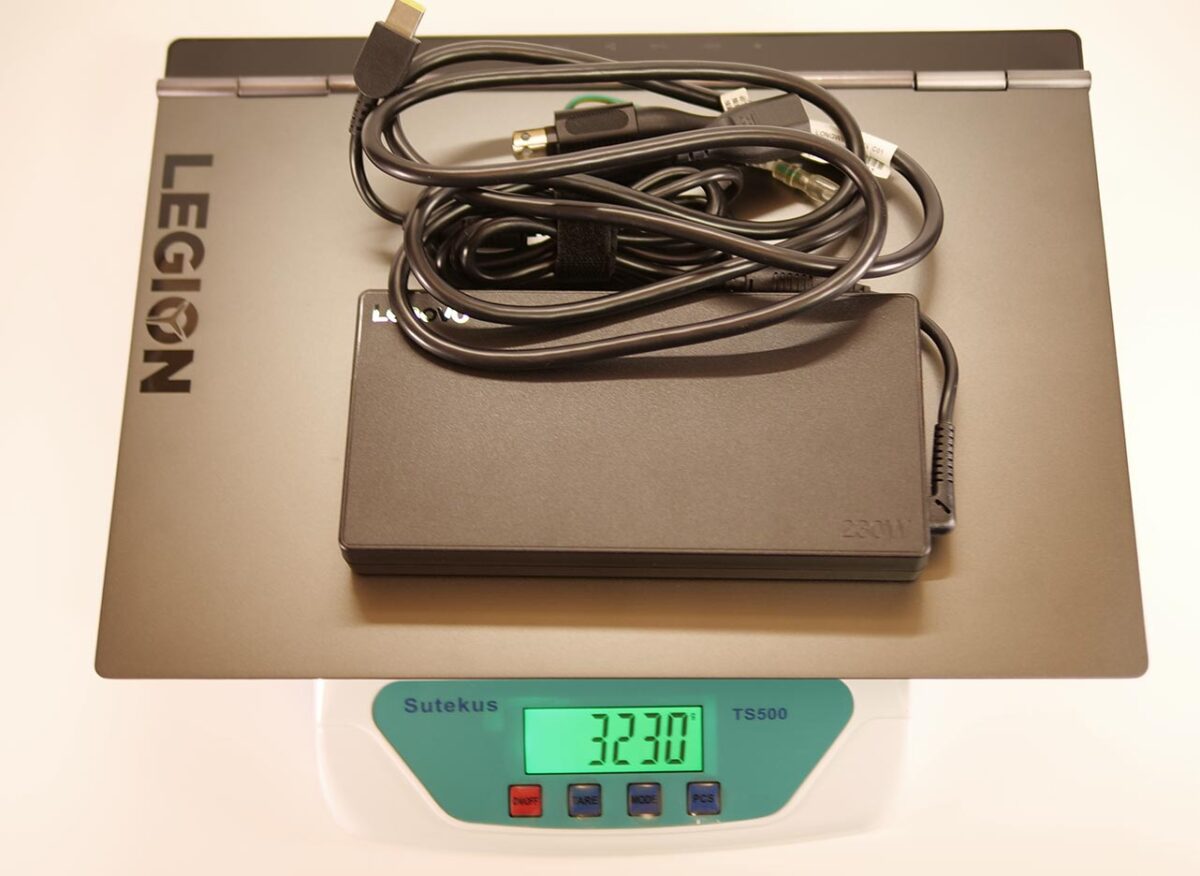
I myself carry around a laptop of similar weight, and even so, this AC adapter is the kind of size I’d rather not carry if I can help it.
VR Performance Test Results
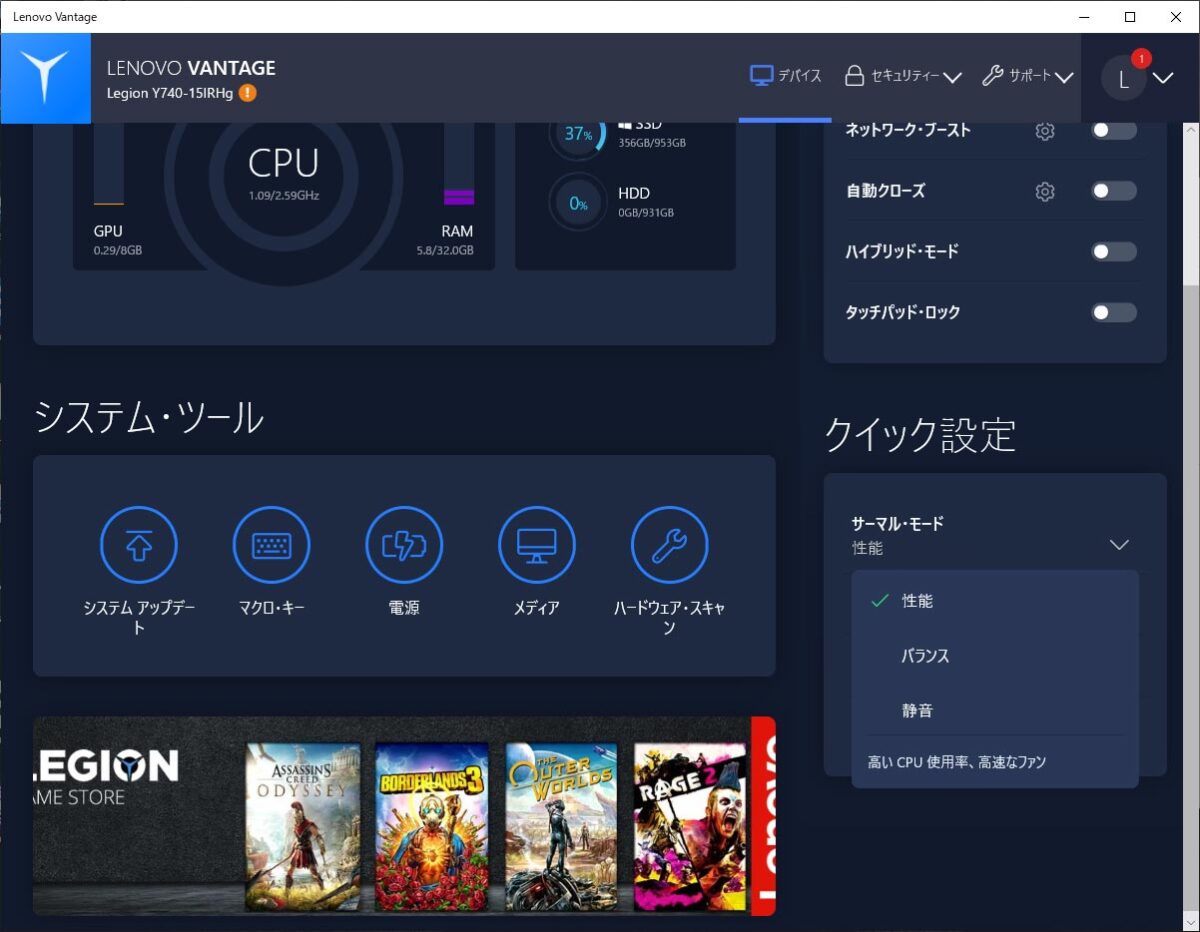
From here, I’ll go through the Legion Y740 (15)’s VR performance. I ran these tests with the fan mode switched to “Performance" via the dedicated “Lenovo Vantage" app.
Against the Recommended Oculus Spec
I compared this against a PC built to the minimum recommended Oculus GPU spec:
- CPU: Intel Core i5-4590
- GPU: GeForce GTX 1060 6GB
- Memory: 8GB
The figures below are calculated from measured results.
VR Performance (Legion Y740 (15))
Relative value, recommended spec = 100
*Legion Y740 (15) performance, with the Oculus recommended spec set to 100
3Dmark TimeSpy shows DirectX 12 rendering performance, and 3Dmark FireStrike shows VR rendering performance using richer graphics — both scored against the recommended GTX 1060 6GB desktop set to 100. Cinebench CPU shows overall CPU compute power, and Cinebench SingleCore shows single-core compute power, both against the recommended Core i5-4590 set to 100. The memory score shows RAM capacity against the recommended 8GB set to 100.
Against the Oculus recommended performance, this comes in with plenty of headroom.
Resolution Against Frame Rate
I ran VRMark across a range of resolutions. The horizontal axis is pixel count; the vertical axis is frame rate.
Resolution vs. VRMark Score (Legion Y740 (15))
| 3.1 | 169.6 | 162.4 | 146 | 72 |
| 5 | 170 | 113 | 113 | 72 |
| 8.3 | 144 | 74 | 83 | 72 |
| 14.7 | 99 | 44 | 54.1 | 72 |
The frame rate VRMark reports is how many frames the PC can draw per second. If that falls short of the headset’s own refresh rate, the headset ends up interpolating some frames in between — so for apps with little head movement, aiming for half the headset’s refresh rate is a workable target. (The Oculus Quest line changed how it reports rendering resolution after an October 2020 update.)
| Headset | Refresh rate | Approx. resolution at listed setting |
|---|---|---|
| Oculus Rift S | 80Hz | 4.9Mpx (“Prioritize performance") / 5.9Mpx (“Prioritize quality") |
| Oculus Quest | 72Hz | 9.4Mpx at rendering resolution “1.0x" (4128×2272) |
| Oculus Quest 2 | 72Hz / 80Hz / 90Hz | 8.7Mpx at rendering resolution “1.0x" (4128×2096) |
If you’re using an Oculus Quest or Quest 2, the default rendering-resolution setting of “1.0" does risk frame drops in heavier apps. Turn the rendering resolution down a bit, though, and VR should feel comfortable. With a higher-resolution headset, you may start to feel this GPU’s limits.
Legion Y740 (15) VR performance: it comfortably exceeds the Oculus recommended spec. Lightweight apps should run without any stress.
VR Score and Cost Performance
| Metric | Score |
|---|---|
| VR Score Higher is better performance | 184 |
| VR Cost Performance Higher is better value | 88* |
For a laptop, this is performance you’d call genuinely high-end.
Overall PC Performance
Here are the results from the PCMark10 benchmark app, showing how the Legion Y740 (15) performs for non-gaming use.
I compared this against a desktop PC built around the current mainstream “Intel Core i5-10400" CPU.
PC Performance (Legion Y740 (15))
Relative value, reference spec = 100
*Legion Y740 (15) performance, with the Intel Core i5-10400 benchmark result set to 100
PCMark10’s “Overall" reflects total PC performance. “Essentials" reflects everyday tasks like launching apps and browsing. “Productivity" reflects office-suite work like word processing and spreadsheets. “Digital Content Creation" reflects creative work — photo, video, and 3D graphics.
It holds its own against a desktop PC without embarrassment.
Legion Y740 (15) baseline performance: it clears the performance of a typical mainstream Core i5 desktop PC. You’re unlikely to feel short on power for ordinary work, whatever you’re doing.
Standard Benchmark Results
Including the figures above, here are the standard benchmark results side by side. For VR use, this is more than enough performance.
| Benchmark | Score |
|---|---|
| SteamVR Performance Test | Average fidelity: 11.0 (Very high) Frames tested: 14,208 |
| VRMark | Orange Room: 7,780 Cyan Room: 7,451 Blue Room: 2,480 |
| 3DMARK | Time Spy: 7,462 Fire Strike: 16,188 |
| PCMARK10 | OVERALL: 5,436 Essentials: 8,491 Productivity: 6,561 Digital Content Creation: 7,826 |
| CINEBENCH R20 | CPU: 2,555 Single Core: 425 |
| FINAL FANTASY XV | High quality: 8,143 (Comfortable) |
| FINAL FANTASY XIV | Maximum quality: 15,217 (Extremely comfortable) |
Even the comparatively heavy “Final Fantasy XV" runs at high quality without trouble.
Storage
The C Drive
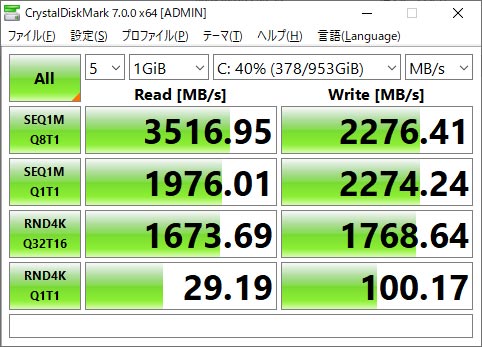
The unit carries a fast Samsung SSD, the “MZVLB1T0HALR-000L2," supporting PCIe 3.0 x4.
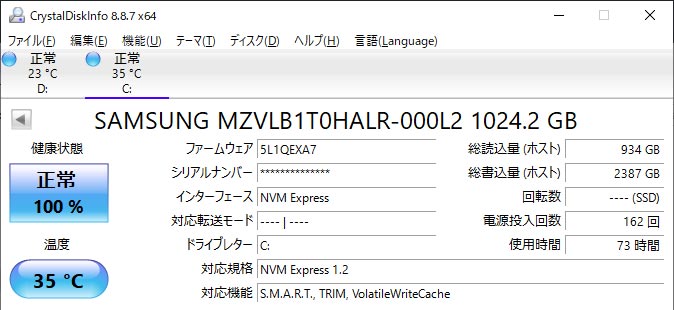
Sequential read comes in above 3,000MB/s, putting it in the fast tier even among M.2 SSDs.
The D Drive
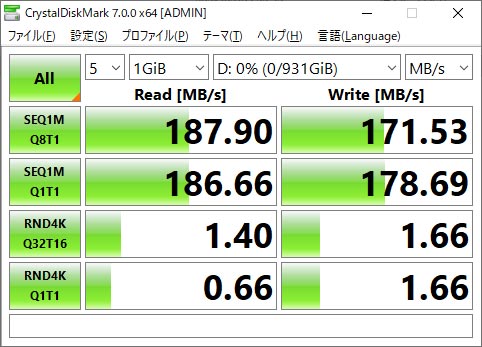
For data storage, there’s a 1TB Seagate HDD. Combined with the SSD above, the 2TB of total capacity should feel comfortable even for creative work.
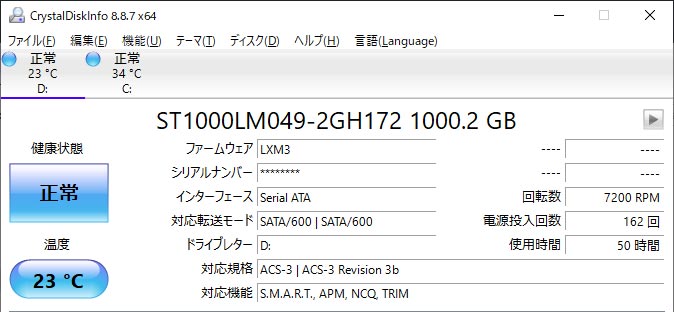
Sequential read comes in around 200MB/s — a fairly typical speed for a hard drive.
Power Draw and Noise
For reference, I measured power draw and noise. The battery was at 100%, with the fan mode set to “Performance."
| State | Power draw | Noise |
|---|---|---|
| Powered off | 0W | 32dB |
| Idle (“Performance" mode) | 75W | 37dB |
| Under load (3DMark) | 225W | 50dB |
Even with the fan set to “Performance," it doesn’t spin up until heat actually builds up inside the chassis.
Once the fan does kick in, you can hear it, but it’s a fairly low-pitched sound that doesn’t stand out much.
Power measurement
Noise
Measured from the center of the laptop, 15cm above the deck, right at the edge closest to me.
Trying Various Headsets
I checked what kind of frame rate you get with each headset.
Oculus Rift S
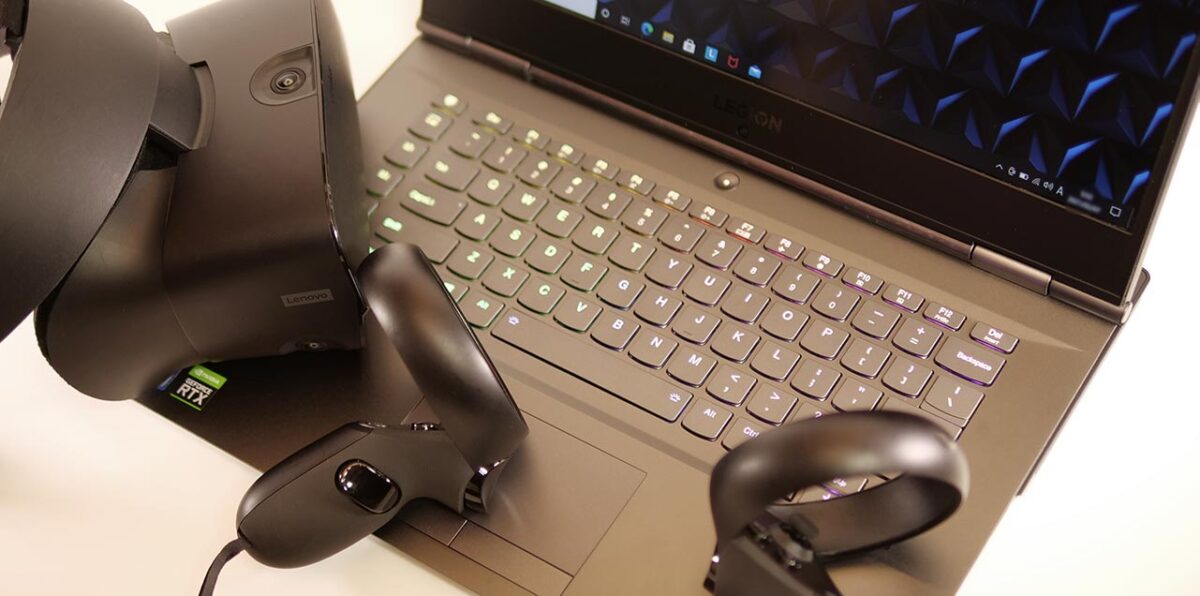
The Oculus Rift S refreshes at 80Hz. I measured the frame rate in each app.
With the Oculus Rift S’s graphics setting on “Prioritize performance," every app I tested here comfortably cleared 80fps.
Comfortable to use.
Oculus Quest
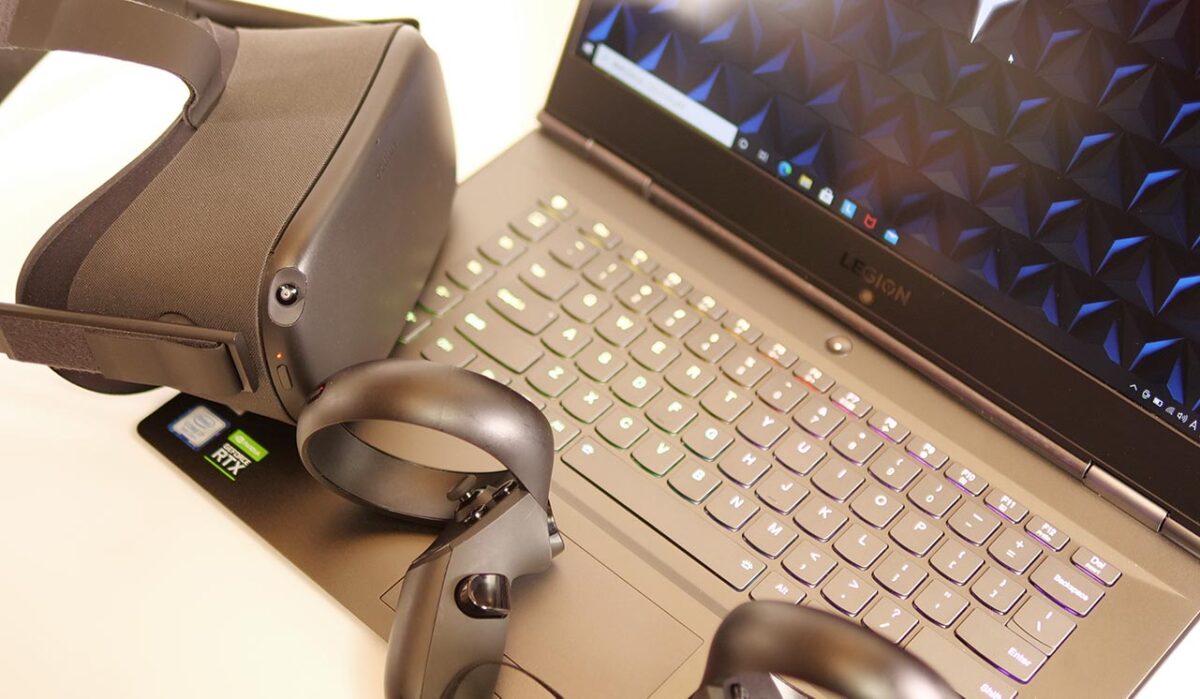
The Oculus Quest refreshes at 72Hz. I measured the frame rate in each app.
Oculus Quest (resolution 1.0x) x Legion Y740 (15)
I ran this test with the Oculus app’s rendering resolution set to “1.0x."
Just like the Rift S, every app here cleared 72fps.
Comfortable to use.
Oculus Quest 2
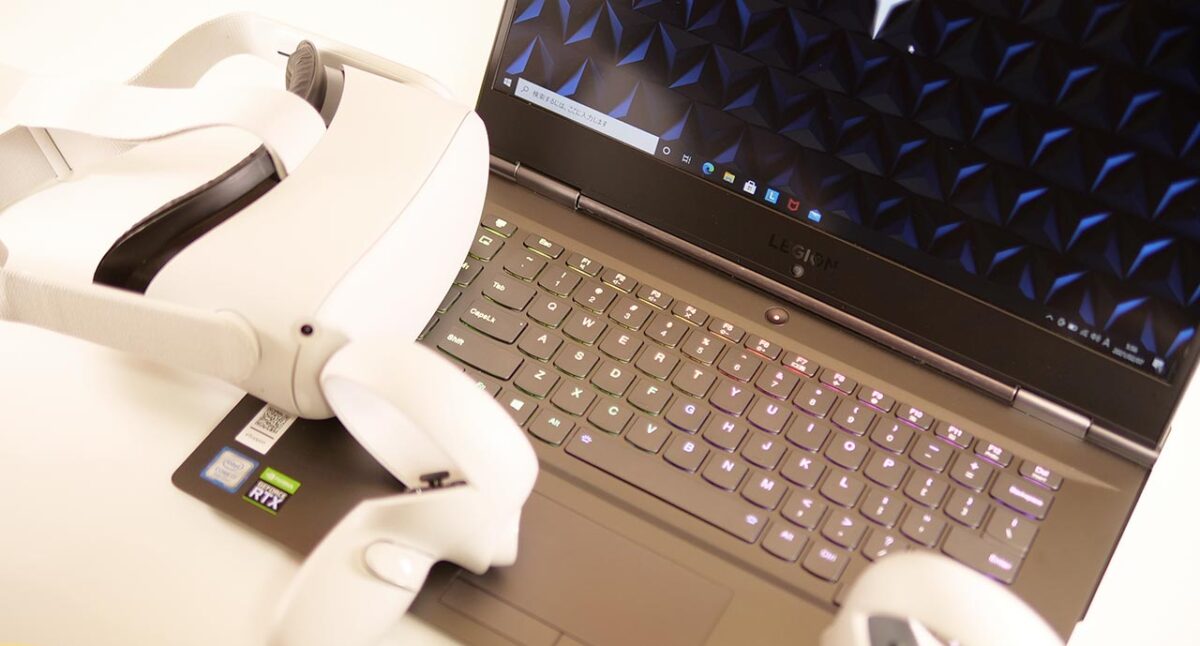
The Oculus Quest 2 can refresh at 72Hz, 80Hz, or 90Hz. I measured the frame rate in each app.
Oculus Quest 2 (resolution 1.0x) x Legion Y740 (15)
I ran this test with the rendering resolution set to “1.0x."
Just like the Quest, every app here cleared 72fps.
Comfortable to use.
Vive Cosmos Elite
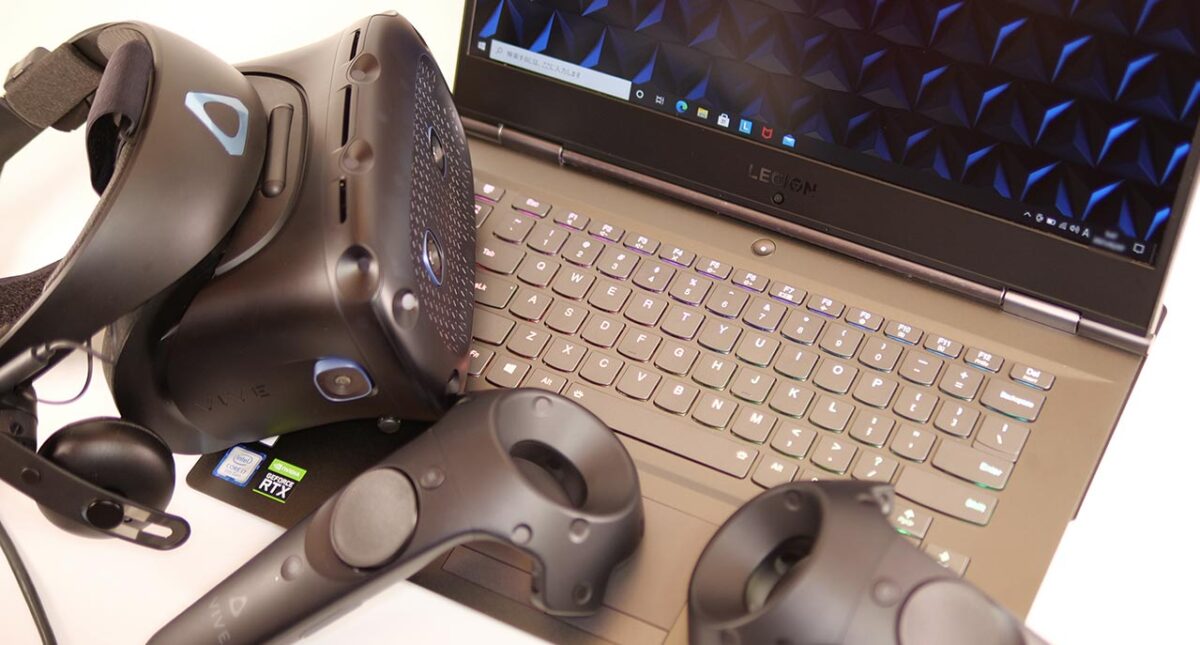
The Vive Cosmos Elite refreshes at 90Hz. I measured the frame rate in each app.
Vive Cosmos Elite x Legion Y740 (15)
I ran this test with the Vive Cosmos Elite’s supersampling setting at 100%.
With the very demanding Asgard’s Wrath set to high quality, frames start dropping.
For the most part it’s comfortable, but for some apps you’ll want to turn the quality down a notch.
Pimax 8K Plus
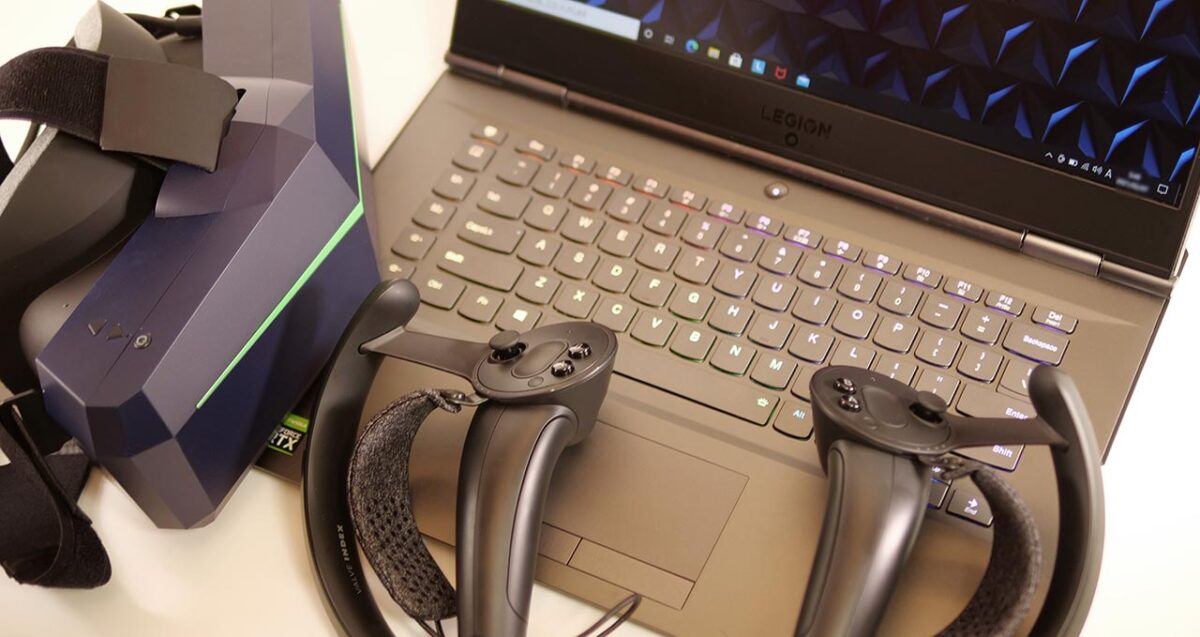
The Pimax 8K Plus can refresh at 72Hz, 90Hz, or 110Hz. I measured the frame rate in each app.
Pimax 8K Plus (Normal) x Legion Y740 (15)
I ran this test with the Pimax 8K Plus’s field-of-view setting at “Normal."
The very demanding Asgard’s Wrath drops frames at high quality, but everything else here clears 72fps.
For the most part it’s comfortable, but again, some apps benefit from a lower quality setting.
What I Could Not Verify
This is a single unit on loan from Lenovo, so I can’t say how much these numbers would vary between individual units. I didn’t run a battery-life test under continuous VR load, and I didn’t test mining or video-encoding workloads on this configuration.
In Summary: A High-Value 15-Inch VR Laptop, One Generation Behind
I’ve gone through the performance of Lenovo’s high-value model, the Legion Y740 (15).
What stood out as good:
・An easy-to-use design with the ports concentrated on the back
・Well-balanced specs paired with strong cost performance
What I would not recommend it for:
・At roughly 2.2kg, it’s not exactly light
・A somewhat larger chassis than comparable laptops from other brands
The Legion Y740 (15)’s design, with what almost looks like a docking station built in behind the display hinge, gives it a distinctive sense of stability. It’s genuinely convenient to use, but it does come at the cost of a larger overall footprint than comparable laptops.
| Headset | Verdict |
| Oculus Rift S | Runs with plenty of headroom. |
| Oculus Quest | Runs with plenty of headroom. |
| Oculus Quest 2 | Runs with plenty of headroom. |
| Vive Cosmos Elite | Plenty usable. You may want to drop some apps to a lower quality setting. |
| Pimax 8K Plus | Plenty usable. You may want to drop some apps to a lower quality setting. |
It has enough performance to genuinely enjoy VR, while staying just barely within the size and weight range you could still carry around.
Now that it’s a previous-generation model with even better cost performance than before, this might be a good time to buy.